
 English
 Bengali
HM77 App Your Pocket Casino Built for Bangladesh
The HM77 App ships as a direct APK download because Google Play Store does not list real-money gambling platforms targeting Bangladesh — that's a Play Store policy, not an HM77 limitation. Every licensed operator serving this market distributes the same way. The package is roughly 24 MB and supports Android 5.0 Lollipop and above, covering phones released as far back as 2014. There is currently no native iOS build because the Apple App Store applies the same restrictions; iPhone owners can launch the full casino through mobile Safari or Chrome without losing any features. Browse the full library of games and start spinning within seconds of install.
Why the HM77 Mobile App Beats the Browser
Most competing apps demand Android 7.0 or newer, which locks out millions of devices still in daily use across Bangladesh. We deliberately kept HM77 compatible with Android 5.0 because phone upgrade cycles here are longer than in wealthier regions. Adding that backward compatibility costs us a few extra megabytes of code, but it means a player on a four-year-old Symphony or Walton handset gets the same experience as someone holding a flagship Samsung. Check our FAQ if you have device questions.
You get the complete platform inside one icon: hundreds of slots, full live dealer rooms, the entire sportsbook, instant deposits via bKash and Nagad, and 24/7 chat support. The native interface renders faster than any mobile browser, live streams stay smooth even on patchy 4G, and push notifications fire instantly when your withdrawal clears or your bet settles.
Your account is stored on our servers, not on your phone. Balance, bonus progress, KYC status from verification, and full play history sync across every device the moment you log in. Start a session at home on your laptop, continue on the bus through the app, and finish on a tablet that evening — no data is ever lost between switches.
Play NowWhat the HM77 App Delivers That the Site Cannot
Six concrete reasons to install rather than bookmark. The game catalogue is identical — the difference is how the app handles speed, security, alerts and connection stability around that catalogue.
One-Tap Entry
Launching from the home screen icon avoids browser tabs, mistyped URLs and the very real risk of landing on a cloned phishing site. Fake HM77 mirrors circulate often on social media — the installed app is permanently locked to our real servers and cannot be spoofed. Spin slots instantly.
Exclusive App Bonuses
Certain promotions only run inside the app: timed cashback windows during cricket matches, surprise free-spin drops on new slot launches, and weekly reload offers pushed straight to your notification tray. The mobile site simply cannot deliver these alerts the same way. Sign in to claim them.
Hardened Security
Native credential storage is stronger than any browser password manager. The app uses certificate pinning, so even if your DNS is hijacked at the router level your session still refuses to connect to anything other than our real servers. Two-factor codes can also live in-app for added convenience and safety.
Real-Time Alerts
Get push notifications for deposits credited, withdrawals approved, bonus unlocks, wagering completions, KYC results, match kick-offs on your active bets, and tournament leaderboard updates. Every category can be toggled individually inside Android settings if you prefer a quieter phone.
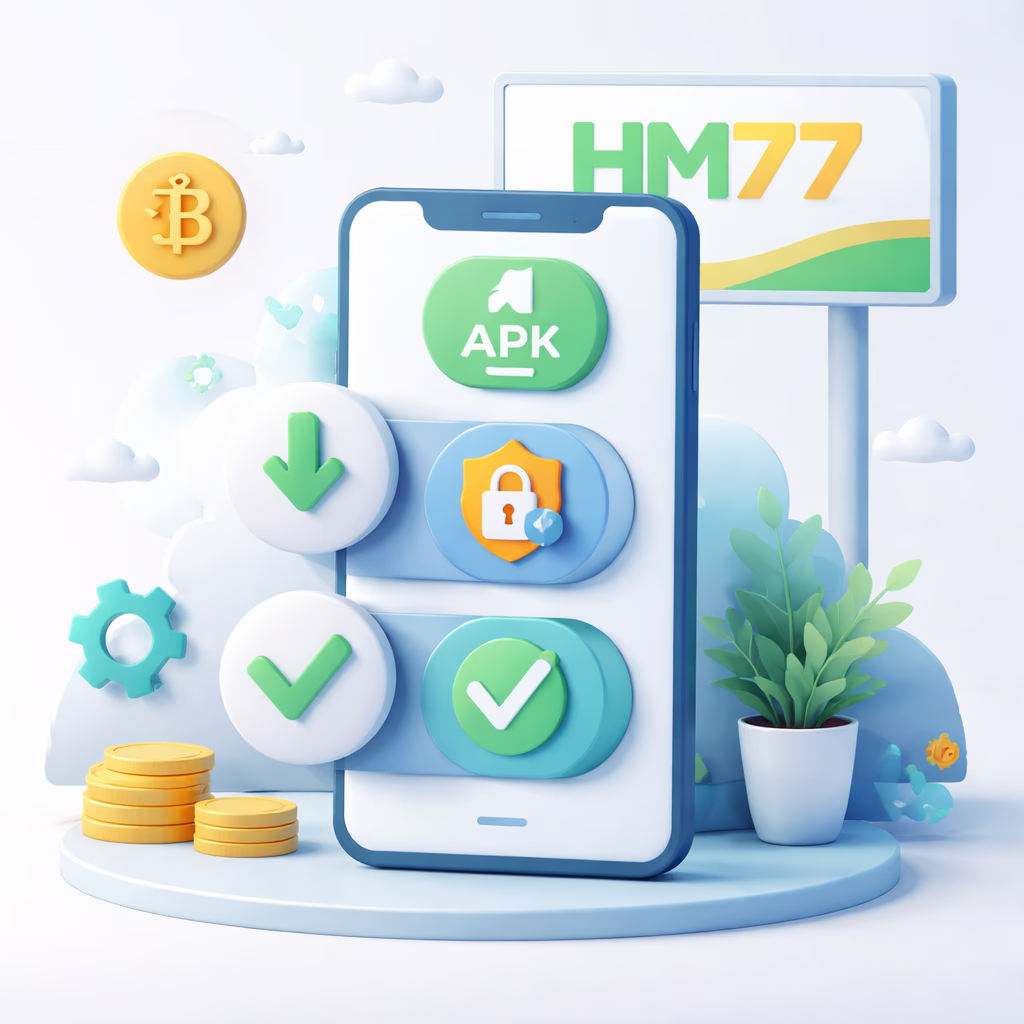
How to Download and Install the HM77 APK Safely
Step 1 — Grab the APK File
Tap the Download APK button anywhere on our official site. The 24 MB file lands in your Downloads folder within seconds on a normal 4G connection. Your browser may flash a warning because the source is outside Google Play — that's expected behaviour for every gambling APK in Bangladesh, not a sign of danger. If a friend sent you a link from elsewhere, always cross-check by visiting our verified official channels page before installing anything.
Step 2 — Allow Installs From This Source
Android blocks non-Play installs by default. When you tap the downloaded file, the system prompts you to grant your browser permission to install apps. Open the toggle labelled "Allow from this source" and switch it on. This is a per-app setting, so it doesn't expose your phone to anything else, and you can revoke it the moment installation finishes. On Android 7 and below the same option sits under Settings → Security → Unknown Sources.
Step 3 — Install and Sign In
Tap the APK from your notification shade or Downloads folder. Android lists the required permissions — internet, storage, notifications, and optional camera access for in-app document uploads. Approve and wait around 15 seconds for setup to finish. The first launch caches 60–90 MB of game assets so future loads are instant. Use your existing HM77 username and password to enter, or create a new account in under a minute.
Why Mobile-First Players Choose the App Over Desktop
Launch speed is dramatically better. A browser must fetch HTML, scripts, stylesheets and fonts on every cold visit, while the app already holds those assets locally and opens in under a second. Across the dozens of sessions a typical player runs each month, that saved time genuinely adds up.
Battery drain drops noticeably. Although it sounds counter-intuitive, the native app consumes less power than a browser running the same content because mobile Chrome re-executes JavaScript and re-renders the DOM on every interaction. Expect roughly 3–5% per hour of slot play in the app versus 7–10% in the browser — a meaningful difference on a long bus ride.
Desktop players and anyone who simply prefers the web version still get the complete catalogue through any modern browser — the app is not mandatory. Want help choosing the right access method? Reach out through our contact page or read more about the platform.
Enter the App
